A Low-Distraction Phone Setup for Quieter Days
A phone can be both a useful tool and a very efficient source of interruption. The difference often comes down to what appears first: urgent messages and practical tools, or a grid of bright icons competing for attention. A quieter setup does not require deleting every social app or turning the device into a minimalist experiment. It simply makes intentional actions easier than accidental ones.
Start by observing which tasks genuinely matter during an ordinary day. Calls, messages, maps, a camera, tickets, banking, music, and a calendar might be essential. Many other apps are useful only occasionally. Giving those two groups different levels of visibility can change how the device feels without changing what it can do.
Make the first screen deliberately boring
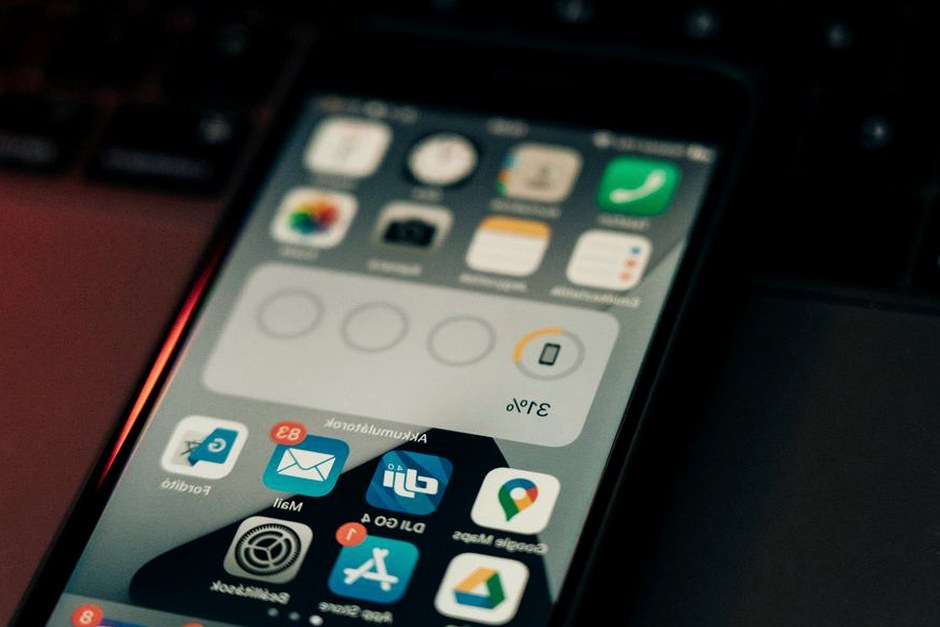
Keep the home screen for tools you open with a clear purpose. A clock widget, calendar, camera, notes app, maps, and perhaps one messaging app are enough for many people. Move feeds, shopping apps, games, and entertainment services to a second page or into the app library. They remain available, but they stop becoming the default choice whenever the phone is unlocked.
It can also help to remove notification badges from nonessential apps. A red number is designed to create an unfinished task in the mind, even when the notification is nothing more than a promotion. If the app can wait until you choose to open it, the badge probably can too.
Sort notifications by consequence
Instead of thinking in terms of important and unimportant apps, think about the consequence of seeing a message late. A call from family, a delivery update when you are waiting at home, or a calendar reminder may deserve immediate attention. A newsletter, a new video, or a retail alert rarely does.
Both major mobile platforms allow notification settings to be adjusted app by app. For low-priority services, turn off sounds and lock-screen appearances, or disable notifications altogether. For messaging apps, consider muting large groups while keeping direct messages available. The result is not silence; it is a smaller set of signals that still mean something.
Create a few purposeful modes
Focus modes or Do Not Disturb schedules are most useful when they match real parts of the day. A work mode might allow calls from close contacts and calendar alerts while hiding social notifications. An evening mode might do the opposite, keeping work apps quiet after a chosen time. A short reading mode can silence everything except calls.
The key is to avoid building a complicated automation system that requires constant maintenance. Two or three broad modes are usually enough. If a rule is difficult to remember, it is less likely to be useful.
Keep friction in the right places
Small barriers can help with habits you want to reduce. Log out of a service you tend to open automatically, remove its shortcut from the first screen, or place it inside a folder with a neutral name. At the same time, remove friction from useful actions: keep the camera accessible, add a note shortcut, or pin the transit app before a trip.
After a week, the setup should feel calmer rather than restrictive. If you keep searching for a tool that was hidden too aggressively, bring it back. The goal is not to win a contest for the fewest icons. It is to make the phone reflect your priorities instead of allowing every installed app to claim equal attention.